MySignalForge
e-Filing Malaysia 2026: MyTax, BE/B Dates and Next Steps
Find the official MyTax e-Filing portal, check Malaysia's 2026 BE/B reporting dates and choose the right next step for access, first filing or a submitted return.
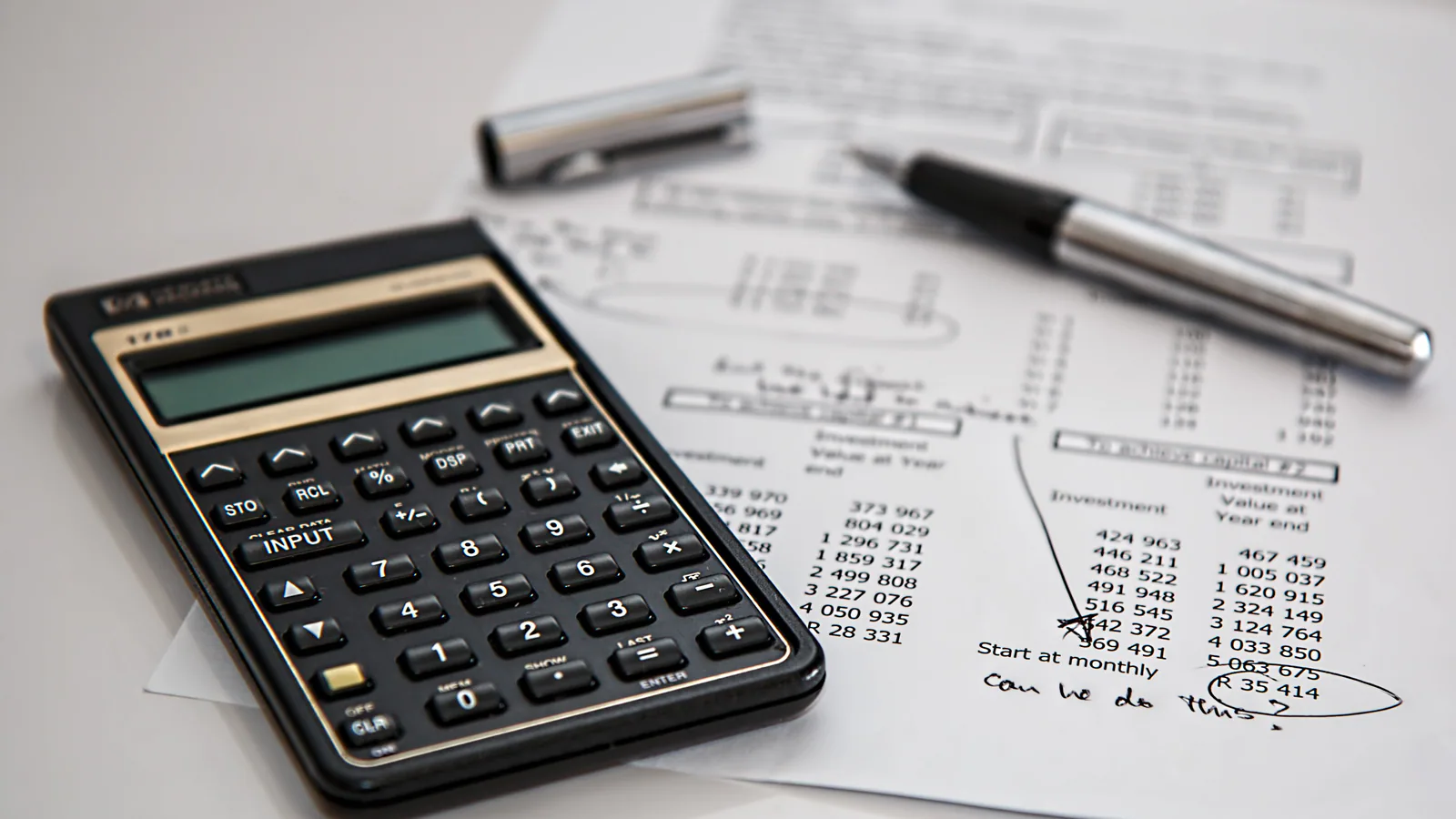
 Illustrative photo

Share
On this page5 sections
For LHDN e-Filing in Malaysia, enter the official MyTax portal. This article helps you choose the year, find the relevant reporting dates and decide where to go next. The return itself is completed on HASiL’s service.
As of 25 October 2026, the ordinary 2026 individual BE/B filing dates below have passed. They relate to YA 2025 reporting in 2026, not a newly announced 2027 timetable. If you still need to file, confirm your position with HASiL promptly.
e-Filing 2026 dates: separate BE from B
HASiL’s individual reporting-period page, updated 13 May 2026, lists the following dates. It also says online dates are subject to change and should be checked against the year’s Return Form Filing Programme.
| Reporting route | BE: individual without business income | B: individual with business income |
|---|---|---|
| Manual | 30 April | 30 June |
| Online | 15 May | 15 July |
These are the dates shown in that official 2026 guidance. Do not treat them as permanent online extensions for every future year. Form category and tax status still matter; company and employer returns have their own arrangements.
If you are late, an expected refund does not settle the missed deadline. Ask HASiL about the applicable filing and payment position, and keep the answer with the relevant year’s records. Do not change the YA to a newer one simply because its form is easier to locate.
Choose the next step before opening a return
| Your situation | Useful next action |
|---|---|
| You only need the official service | Open MyTax |
| First time filing or unsure what to prepare | Read the first-return preparation guide |
| Need to understand residence, rates or the tax calculation | Start with the income-tax guide |
| Already submitted and waiting for money | Use the refund-status guide |
| Already submitted but found an error | Use the return-correction guide |
This distinction saves unnecessary work. A successful login does not prove a return was submitted; a submitted return does not prove a refund has been sent. Find the last completed record before choosing the next action.
Resolve MyTax access separately from tax registration
HASiL’s online-submission guidance describes first-time activation for registered taxpayers without a digital certificate. It directs users through their identification details and then offers e-CP55D or e-KYC for certificate registration.
Its e-Services page distinguishes the desktop/laptop e-CP55D route from mobile e-KYC identity verification. Follow the current official instructions for the route available to you; this article does not reproduce a live authenticated screen sequence.
Having a TIN and having working login access are different checks. The first-return guide explains the registration-versus-activation question. If your existing record cannot be accessed, resolve that problem through HASiL instead of creating another tax identity.
Check the year and records before accepting pre-filled data
For an annual return concerning YA 2025, work from the relevant 2025 income and claim records. Keep EA statements from all employers, payment records and eligible expense evidence together. Use the YA 2025 tax-relief guide to separate eligible claims, category caps and evidence. A document issued or downloaded in 2026 may still describe a different income period.
HASiL’s e-Services explanation says employer remuneration data may be used to pre-fill a return and that employees can amend the information before submission. Use that facility as a starting point, then reconcile it with the actual records. A missing value is not evidence that there was no reportable income.
The first-filing checklist covers income, PCB, claims and personal details. Use the PCB guide when payroll deductions and the expected annual result do not reconcile.
After submission, keep the acknowledgement and take one specific action
Save the formal acknowledgement and a copy of the submitted return. Keep the working records that explain the figures. If you have only saved a draft, continue the official submission process; do not start counting a refund wait from the draft’s save date.
Then follow the appropriate branch:
- Balance payable: check the amount and official payment instructions for that return.
- Overpayment: follow the refund process and monitor the actual account position.
- Wrong submitted figures: establish the applicable correction route before attempting another submission.
- Request for evidence: answer the notice using the supporting-document guide and the notice’s own requirements.
When contacting HASiL, have the YA, form and acknowledgement ready. State whether the issue concerns access, filing, a payment, a correction or a refund. That makes it possible to investigate the right stage without restarting a completed one.
Share
Keep exploring