MySignalForge
TNB e-Invoice Registration Failed? Here’s How It Impacts Your LHDN Compliance
TNB e-Invoice registration stuck or a bill missing? Check the account holder, supporting documents and registered email, then follow up with TNB.
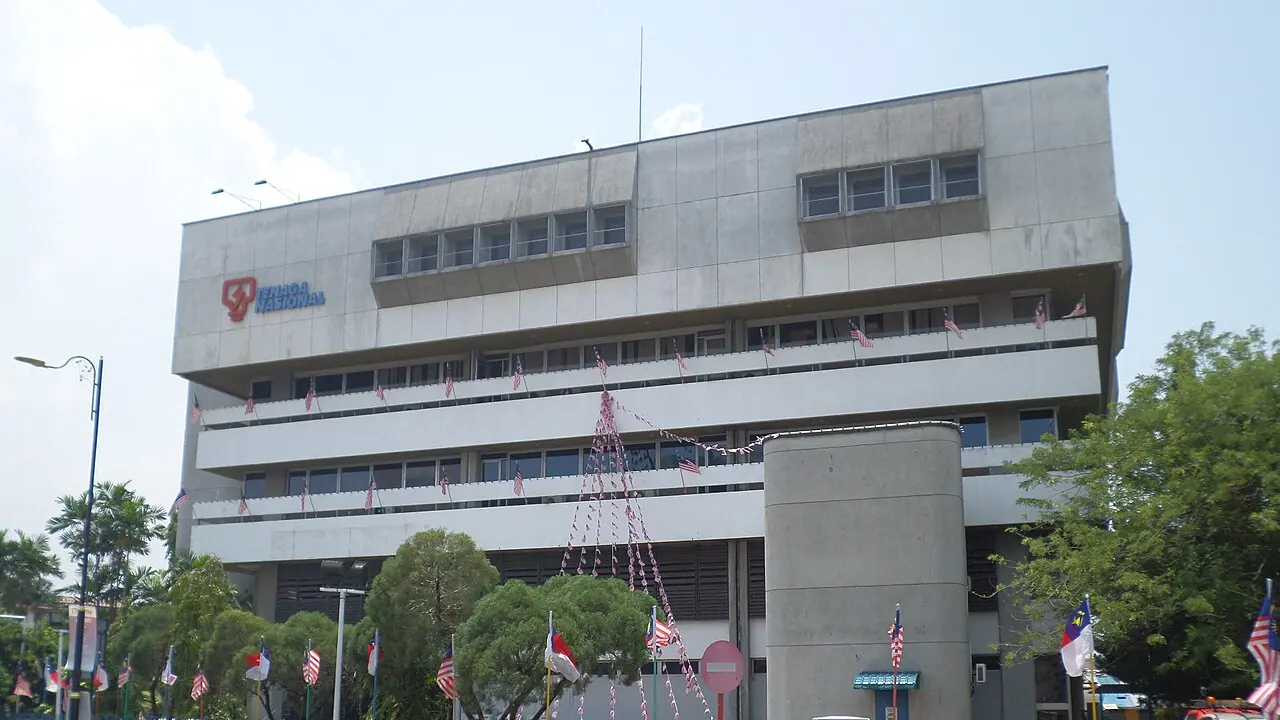 Tenaga Nasional Berhad office in Melaka. Resized, cropped and converted to WebP.Photo by Chongkian · Wikimedia Commons · CC BY-SA 4.0

Share
On this page6 sections
To receive a TNB e-Invoice for your electricity account, start from TNB’s official e-Invoice page, follow its registration link and provide the account-holder information, supporting documents and consent. After successful registration, check the registered email for the bill and its validation link.
This guide covers registered electricity customers using TNB’s published instructions, read on 25 October 2026. It is an independent guide; no account registration or customer-document upload was performed for this article.
If registration is pending or you cannot find the e-Invoice, first check whose name is on the account, whether all documents were submitted and which email address was registered. Keep paying the electricity bill according to its terms while you resolve the paperwork. A missing e-Invoice can leave a gap in the records you need to review with your accountant. It does not, by itself, establish that an expense is disallowed or that a penalty applies; the applicable evidence and tax treatment depend on your circumstances.
Check whose name is on the electricity account
Compare the account-holder details on the bill with the person or organisation applying. Paying the bill does not by itself change its registered holder.
TNB’s Bahasa Malaysia FAQ directs customers whose accounts remain under another name to its Change of Tenancy (COT) process before proceeding with e-Invoice registration. It specifically discusses rented premises and accounts still under previous owners or family members.
If the company occupies rented premises and the landlord’s name remains on the account, settle the account-registration question with TNB and keep the lease and payment records. The separate utility-bills-in-a-landlord’s-name guide explains the expense-document question. Changing a TNB registration and deciding how the landlord–tenant transaction is documented are separate tasks.
Prepare the details for the correct applicant type
Use TNB’s applicant category and document checklist for the registered account holder.
| Preparation check | What to compare before entering details |
|---|---|
| Account holder | Name and electricity account on the current bill |
| Applicant category | The category that matches the registered holder |
| Tax and registration information | Verified details and the supporting documents TNB requests for that category |
| Contact details | An email inbox and telephone contact the responsible person can access |
| Organisation records | Current business-registration and address information where required |
This table is a preparation aid. Use TNB’s own document checklist for the actual application, rather than assuming every individual and organisation needs identical evidence. Enter a genuine TIN from your records; do not invent one to get past a required field.
Follow the published registration sequence
From TNB’s page, open the official registration form. Its published sequence is to verify email, choose account type, enter the required information, attach supporting documents, accept the terms and submit for verification. The stated upload formats are PDF, JPEG and PNG, with a maximum of 15MB per file.
TNB lists online, CareLine and Kedai Tenaga routes and seven working days for verification after complete information. This is a published expectation, not a guaranteed completion date.
Keep the submission reference or acknowledgement available. For a company, agree who will monitor the receiving mailbox and follow up on incomplete information. A staff member submitting the details and another person receiving the bills need a clear handover.
Where should the bill arrive?
TNB’s registration announcement explains email delivery of a PDF electricity bill containing a QR code linking to the validated document in MyInvois. Its customer page also describes bill access through myTNB and, for relevant multi-account organisations, myTNBiz.
Check the billed account and period against your own records before filing the document. Keep the PDF, validation reference and payment evidence together. An e-Invoice is not proof that the electricity bill has already been paid, and a downloaded payment receipt does not establish that e-Invoice registration succeeded.
Registration pending, bill missing or an earlier month needed?
The BM FAQ says the registration portal is for registration rather than checking its status. Check the notification and registered email, then contact TNB using the official contact route if the expected response or bill is missing. TNB publishes CareLine 1-300-88-5454 and Kedai Tenaga assistance.
Have the account number, submission date, relevant billing period and any acknowledgement ready. Those are practical follow-up records, not a promise of what TNB can resolve without further verification.
The same FAQ still uses 2024 examples for commencement and earlier months, including a restriction on obtaining e-Invoices for months before registration. Do not assume a new registration automatically backfills every old bill. Ask TNB to confirm your first covered billing period and the treatment of any specific missing month.
Incorrect bill details need a separate follow-up
Contact TNB about the actual error and retain its response. Its BM FAQ advises that an invoice dispute or cancellation in MyInvois does not by itself remove the electricity-payment obligation and describes adjustments through a later billing cycle. Do not stop paying solely because a document status changed; confirm the amount and payment instructions for your account with TNB.
For the general distinction between cancellation, rejection and adjustment documents, use the Credit Note, Debit Note and Refund Note guide. This article does not reproduce TNB’s portal buttons or instruct a customer to perform a supplier-only action.
My practical reading of TNB’s account-holder and notification requirements is that registration, receipt of a validated bill and payment should be tracked separately. Combining them under a single “done” tick can conceal a pending registration or an unpaid bill. That is a record-keeping judgement, not an additional TNB or LHDN rule.
Return to the SME expense-routing checklist for other monthly costs, or the Malaysia e-Invoice pillar for the broader workflow.
Share
Keep exploring